
Host events inside FluentCommunity.
Create events from the FluentCommunity post composer. Members find them in the feed, in each space's Events tab and on the community Events page.
This integration needs FluentCommunity.
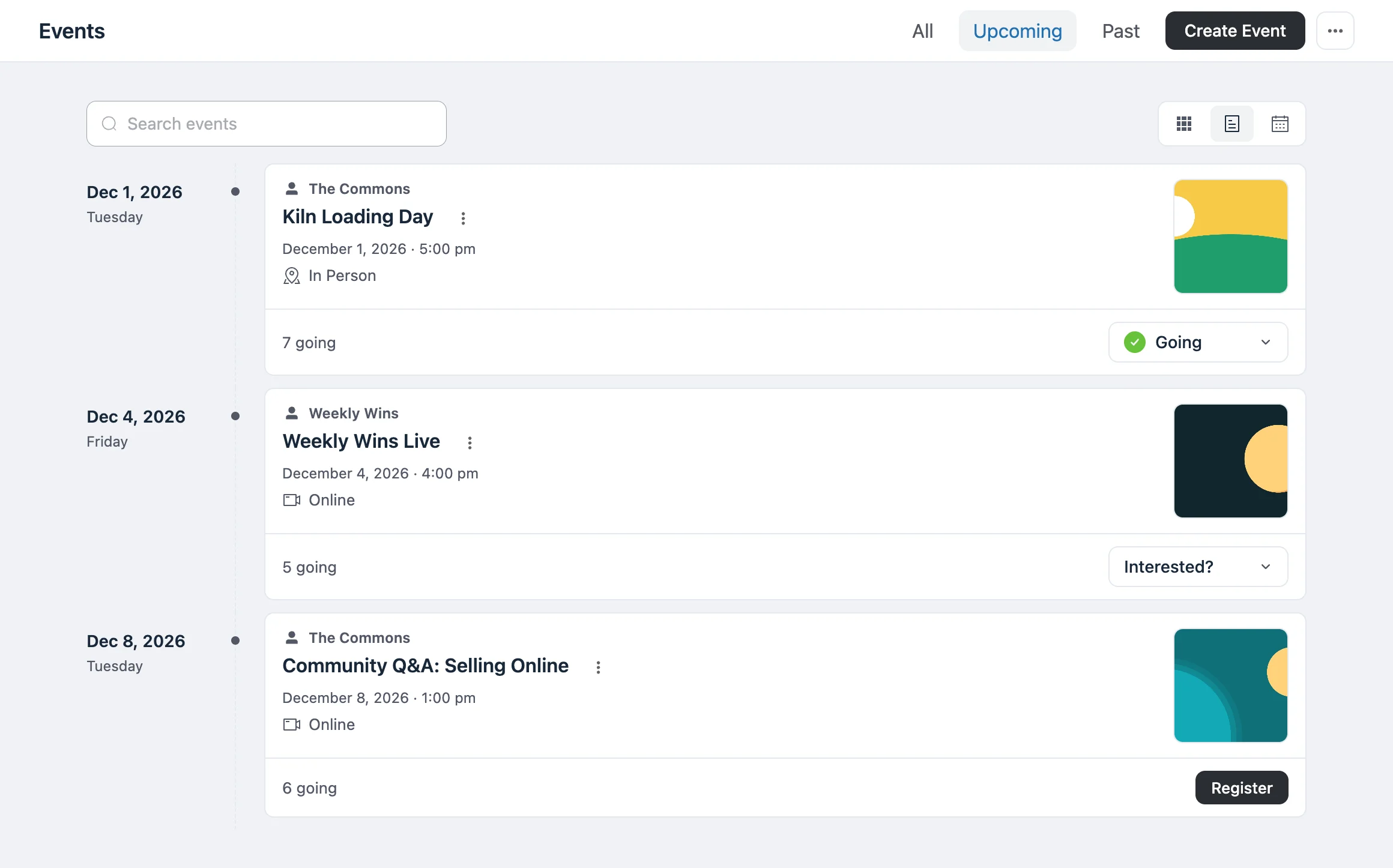
Enable the integration, then post an event.
- 01
Enable the integration
In FluentCommunity, open Settings → Features → Add-ons and enable Fluent Event. Choose the URL slug for the Events page.
- 02
Post an event
As a site administrator, open the post composer in a space and choose Event. Add the schedule, the location and the registration option, then publish.
- 03
Members RSVP or register
Members see the event in the space feed and on the Events page. They RSVP, register or cancel in the portal.
Members RSVP or register from the event post.
Site administrators create events from the post composer. Members see the schedule and the location, then RSVP or register from the event card.
- Post in a space, or community-wide.
- Members say Going or Not going, or register.
- On RSVP and Open events, only registered members see the meeting link.
- Edit the event from the post menu.
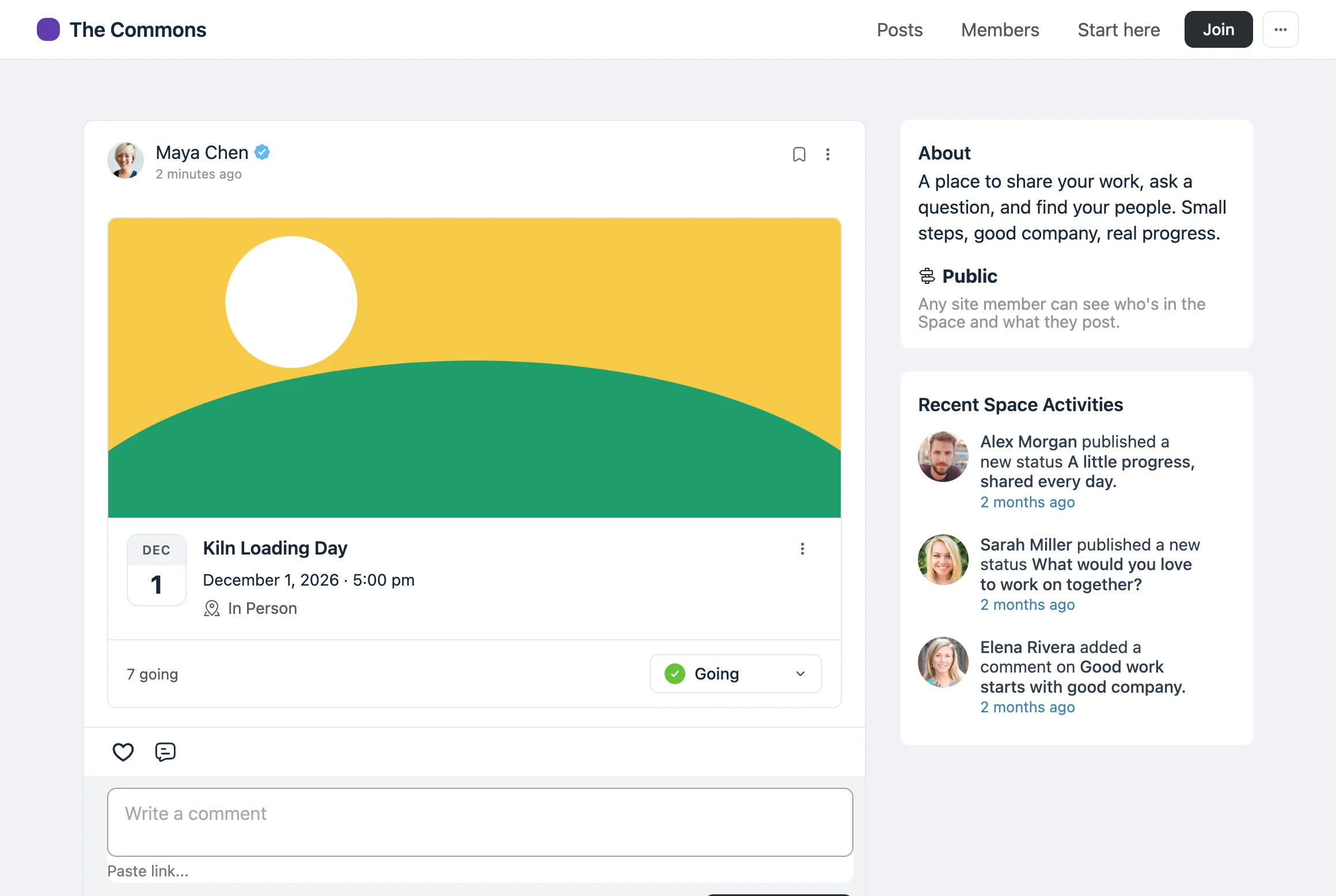
A calendar for every space.
A space gets its own events calendar with its first event. The space has an Events tab, and the community has one Events page for everything.
- Cards, Timeline and Calendar views in the portal.
- All, Upcoming and Past filters, plus search.
- The Events menu item and the space tab are off until you turn them on.
- Space calendars start private.
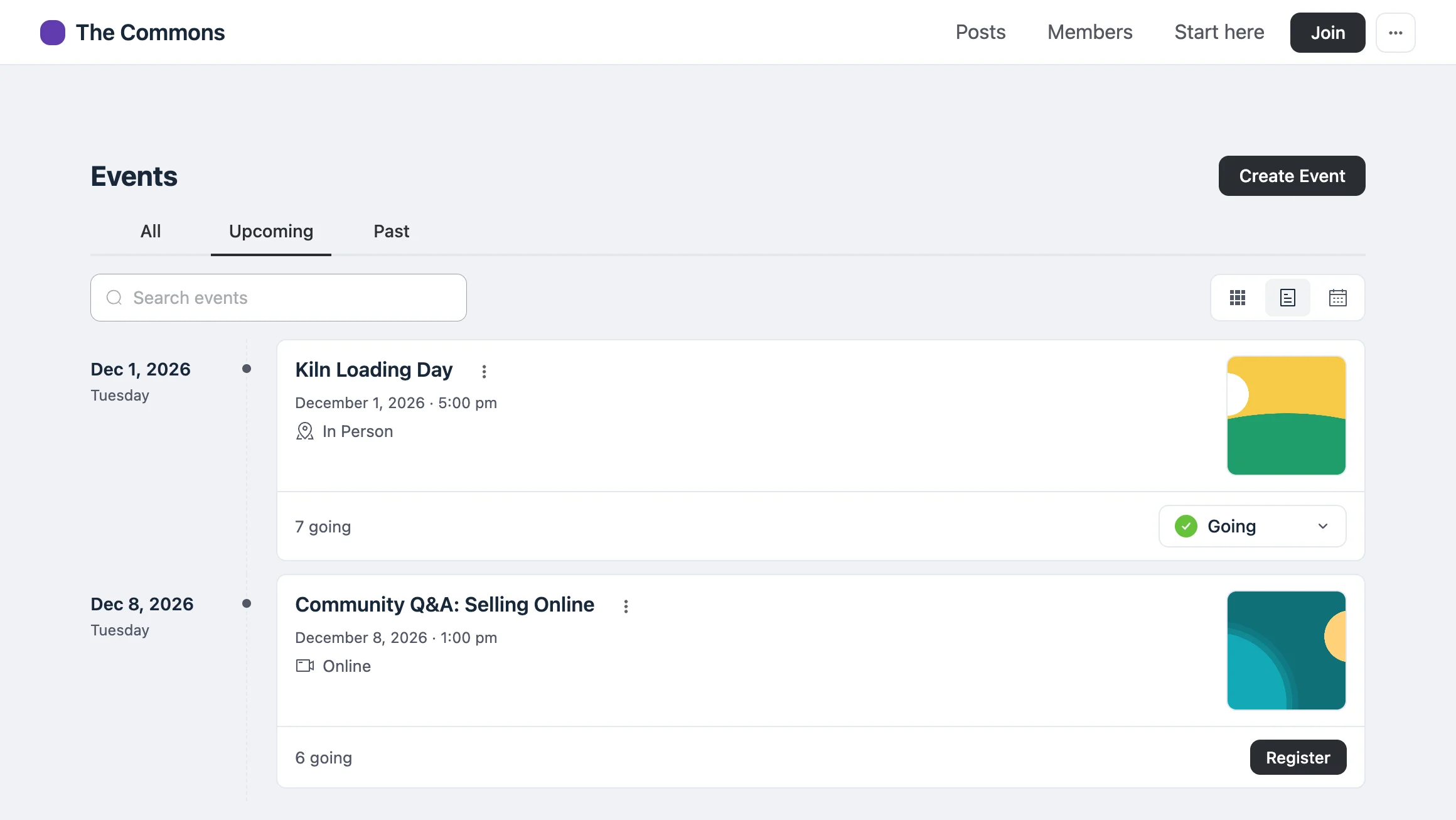
Manage community event guests in Fluent Event.
Guests, check-ins and emails for community events are managed in the Fluent Event admin, next to your other events.
- Open any event in the Fluent Event admin from its post menu.
- Members get the same confirmation and reminder emails.
- Delete a post or a space, and its events are kept as drafts.
- Fluent Event still works fully without FluentCommunity.
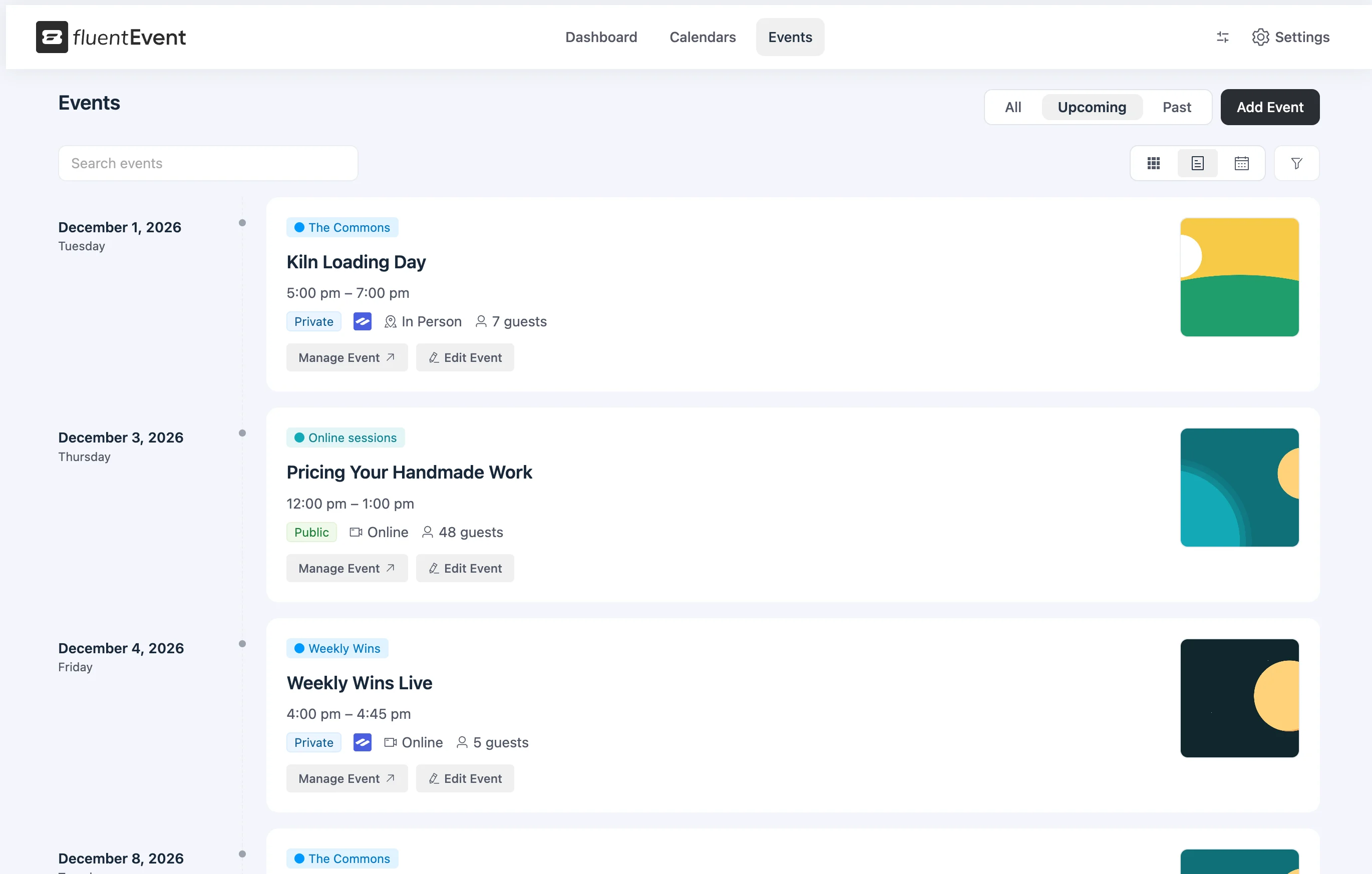
Create your first FluentCommunity event.
Install Fluent Event on your FluentCommunity site and create an event from the post composer.
Free · GPL · WordPress 7.0+ · PHP 7.4+